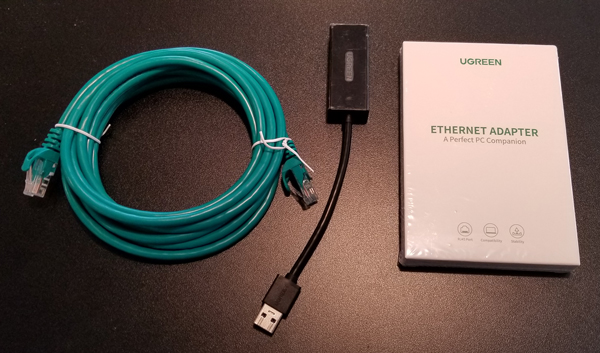

Description
How the LibertyLaptop Works
When your LibertyLaptop arrives, it’s already been carefully configured by Calix Solutions to keep you protected from the moment you go online. During setup, we guide you through important security options—like creating an encrypted email account, choosing a trusted VPN service, and setting up a secure backup system.
From your very first power‑on, your LibertyLaptop begins safeguarding your privacy. It automatically runs a system‑wide security sync during startup to make sure everything is up to date. At the start of each session, you’ll turn on your VPN and pick your preferred virtual location. You can also choose to run a system clean‑up and, if you’re on a PC, start an antivirus scan for added protection.
When you’re ready to end your session, we show you the proper way to disconnect safely. This includes performing a quick final sweep to remove unwanted files and trackers, clearing your system, and—on PCs—running your antivirus application.
At Calix Solutions, our mission is simple: to make every online experience safer, more private, and more in your control.